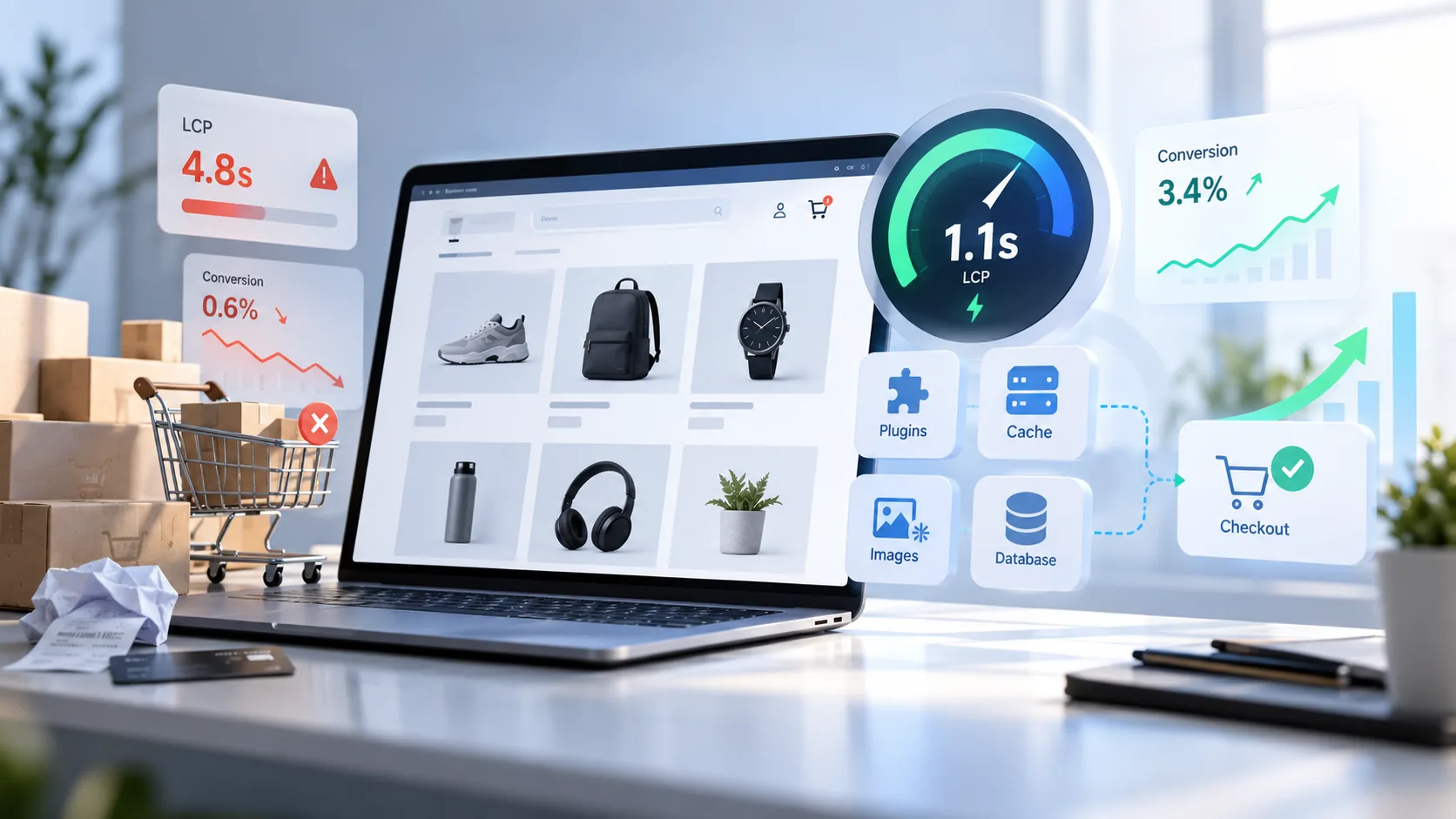
When a store is slow, it is rarely one thing. It is usually three, and one hides the other. Before buying a bigger server, find out where the time actually goes.
Slowness has a sneaky property: it never shows up as an expense. Nobody sends you an invoice for "lost orders". It only shows indirectly, in abandoned carts, in ads that get more expensive and in customers who open the store on their phone, wait, and close it. This article is how we look for it in every store we take over.
Measure first, then fix
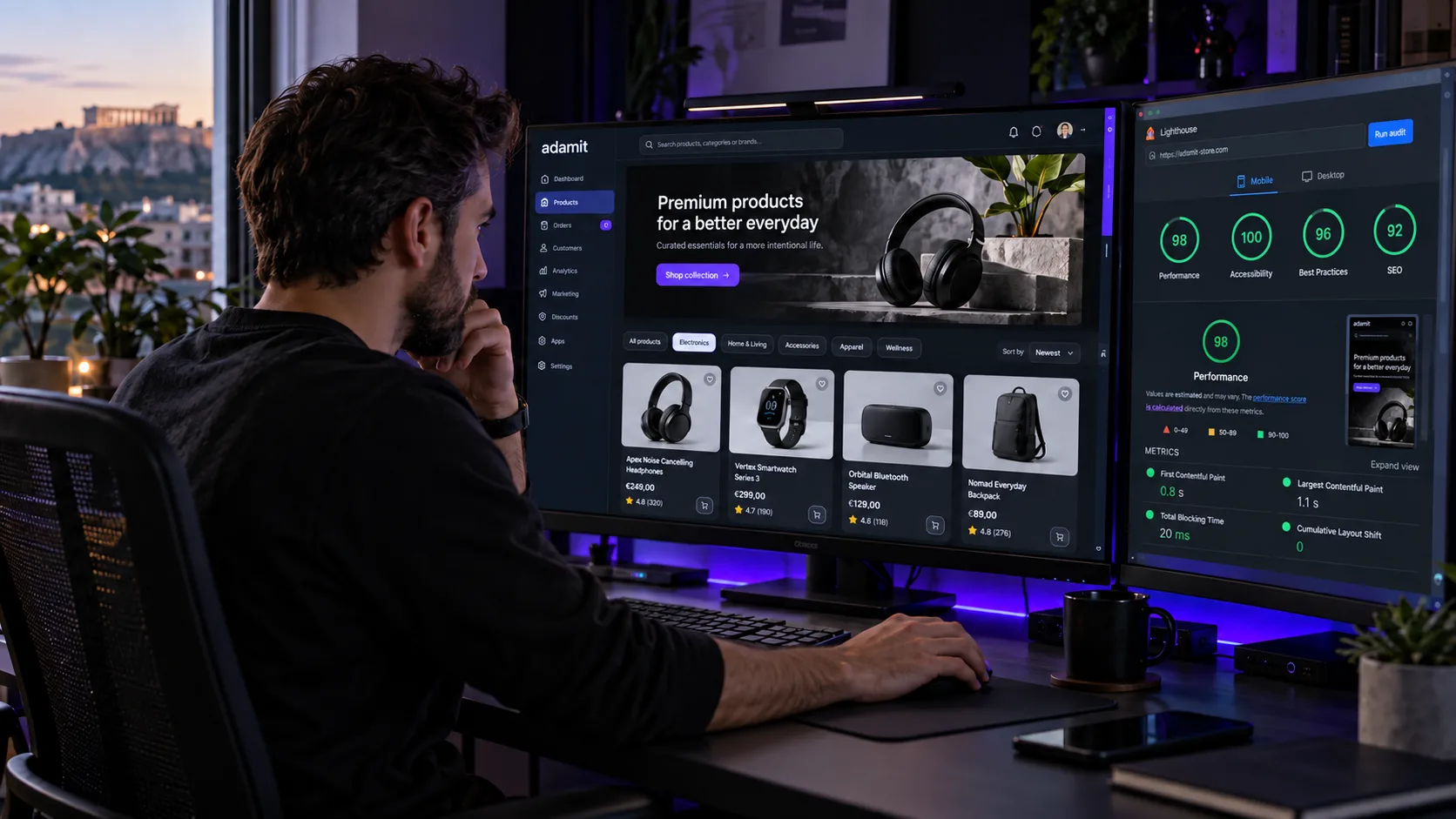
Without measurement every improvement is a guess. You need two things: a lab measurement (Lighthouse) and real user data (the Chrome UX Report or your own tracking). The first tells you what could go wrong, the second what does go wrong for your customers, on their network and their phones.
Measure at least three pages, not just the home page: a category, a product and the checkout. The home page is usually the most polished page of the store; customers, though, arrive from Google and ads straight on products and categories. That is where the sale is decided. For what each metric means, see our guide to Core Web Vitals.
The three places time hides
1Too many plugins running everywhere
A booking plugin does not need to load on the product page. A slider is not needed at checkout. In practice most of them load everywhere because nobody told them otherwise. The check is simple: disable them one by one on a staging copy and measure again.
Watch third-party scripts in particular: chat, newsletter pop-ups, review widgets, ad pixels. Each one looks harmless on its own. Together they can load more code than the store itself, and above all delay the response when the customer taps buttons.
2Images downloaded at poster size
A 3000-pixel product photo shown in a 600-pixel frame is five times more data than needed. Modern compression (WebP or AVIF), proper srcset and lazy loading for whatever is not visible straight away solve most of it.
There is an opposite trap too: lazy loading on the main product image. The first image the customer sees must load immediately, with priority; all the others can wait until they are needed.
3Queries running on every page load
Stock calculations, filters and "related products" often hit the database dozens of times per page. An object cache (Redis) and proper indexes change the picture dramatically, as long as the cart is not cached too.
ERP syncing belongs here as well. If prices and stock are updated by jobs that run while customers are shopping, the store slows down exactly when it is busy. Updates should run in a queue, in the background, at a sensible pace.
Before anything else: is the store clean?
A slow store with no obvious cause also needs a security check. Malicious code in a theme or plugin often loads hidden scripts, redirects visitors or sends spam from the server, and the first symptom is speed. That is how our work on Elixir Makeup began: cleanup and hardening first, then speed.
What not to do
Do not stack one optimisation plugin on top of another. One cancels the other, and then nobody knows what is working.
Do not cache pages with personal data. One customer will see another customer's cart.
Do not chase 100 in Lighthouse. Chase an LCP under 2.5 seconds on mobile, on a real network.
Do not change hosting before measuring. If the problem is images or scripts, a more expensive server will simply serve the same heavy files faster.
What slowness costs
The cost is not theoretical. If your checkout is two seconds slow and you have a thousand order attempts a month, a conversion drop of around 5% means fifty lost orders. Multiply by your average basket and you have the budget that justifies the fix.
There is a second, less visible cost: advertising. When you pay per click, every visitor who leaves before the page loads is money spent on nothing. That is why, before raising campaign budgets, we first check the landing page speed and conversion tracking.
The order we work in
- Measurement on the home page, a category, a product and the checkout, on mobile.
- Security check for hidden code and suspicious scripts.
- Images: the right size, a modern format, priority for the first one.
- Plugins and scripts: whatever a page does not need does not load on it.
- Database and cache: indexes, object cache, syncing in the background.
- A new measurement compared with the first, in numbers.
If you want us to look at your store, see how we work in ecommerce development and maintenance or send us its address.
Frequently asked questions
How fast should an online store be?
A practical target is for the main content of each page to appear in under 2.5 seconds on mobile, for the large majority of visitors. That is also Google's "good" threshold for LCP.
Is a cache plugin enough to make WooCommerce fast?
It helps on pages that are the same for everyone, such as categories and products. It does not fix heavy images, unnecessary scripts or slow database queries, and it must not touch the cart, checkout or customer account.
Do I need more expensive hosting?
Sometimes, but rarely first. If the server responds quickly and the page is still slow to appear, the problem is what it sends, not how fast it sends it. Measurement tells you which one applies.
Does speed affect Google rankings?
Yes, as one of many factors, through real user data. The bigger effect, though, is on sales: a fast store converts the traffic you already have better.